Usage Monitoring
See every request, dollar, and error in one dashboard
Track requests, tokens, spend, and error rate on one dashboard, then open request-level logs with model, cost, duration, and token counts across every team and provider.
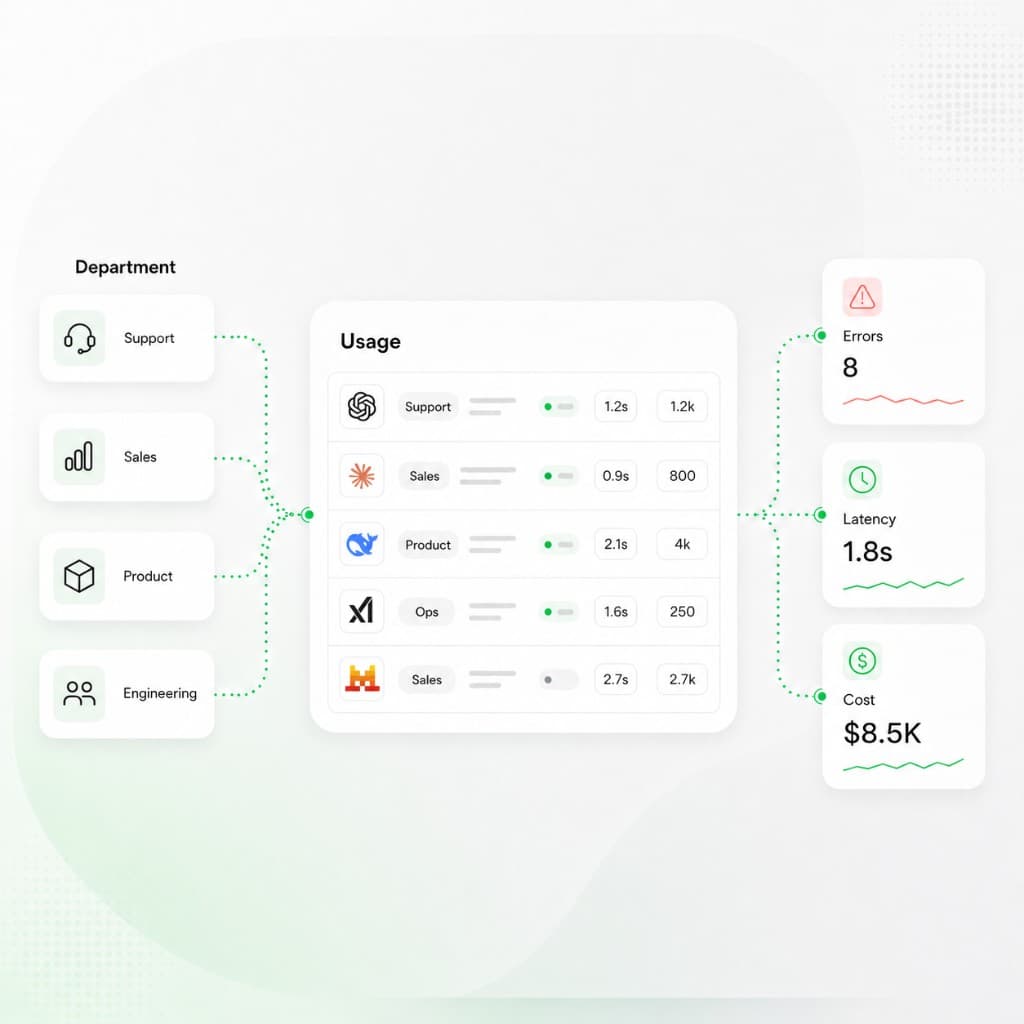
Each model call with status, model, provider, duration, cost, and token counts — filterable and exportable.
Charts
Spend + tokens
Logs
Request-level
Error rate
On dashboard
Requests
128,400
Total requests, tokens, spend, and error rate for the date range.
Status
Success / failed
Each logged request is marked success or failed and can be filtered.
Duration
1.8s
Per-request response time shown in the logs table.
Cost
$0.041
Request-level spend with input, output, and cached tokens.
New capabilities
What your team gains with Concentrate
Usage dashboard
See total requests, tokens, spend, and active keys, plus error rate and error count for the date range you pick.
Spend and token charts
Read cost over time and tokens over time, including input, output, and cached tokens, broken down by API key or in total.
Spend by model and provider
See how spend splits across models and providers, with each one's share of the total. More in provider and model spend breakdowns.
Request logs
Open a request-level table with status, model, duration, cost, and token counts, and expand any row for the full request and response.
Filter and export
Filter logs by status, time window, and team, then export the rows you need to CSV.
Error rate and alerts
Watch error rate on the dashboard and set email alerts for error spikes, spend spikes, and keys near their balance.
Who Concentrate is designed for
Teams watching AI usage, spend, and errors together
The dashboard and request logs are the shared record for engineering, finance, and leadership as AI usage grows. Pair them with spend management for limits and access controls for who can see raw content.
On-call debugging
Filter logs by status, time, and team, open a failed request, and read its duration, tokens, and full request and response. When a provider is the problem, change the path in request routing.
Spend review
Tie dashboard spend by model, provider, and key back to the workloads that drove the bill, then act on it in spend management.
Capacity and errors
Watch error rate and per-key request counts so a failing key or provider shows up before users report it.
Privacy for reviewers
Let leaders review usage and spend while prompt and response text stays hidden with data redaction.
Usage Monitoring basics